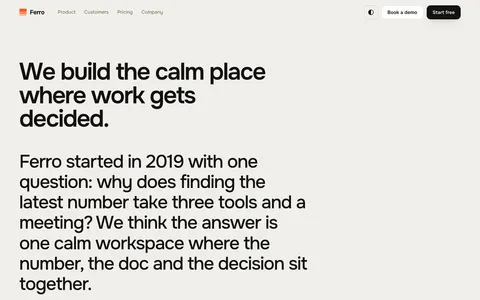
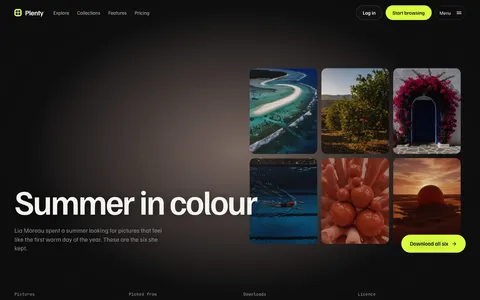
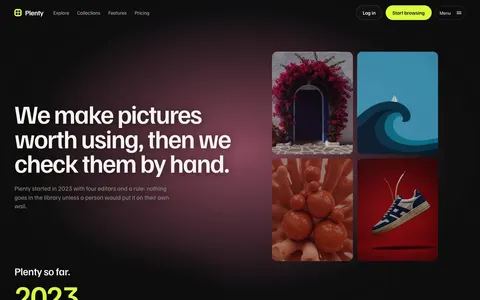
Most AI websites look the same: a dark page, a purple glow and three cards. These templates take a different route, each built around one strong idea.
They are plain HTML, CSS and JavaScript with scroll motion built with GSAP, and every effect runs on your own words, pictures and colours.
Choose by what you have to show. A model or an API is best told through a bold brand. A product with an interface is best shown through its screens. An image tool is best shown through the pictures it makes.
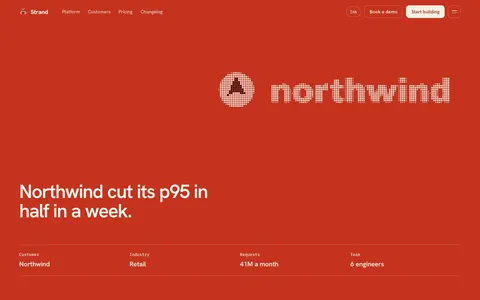
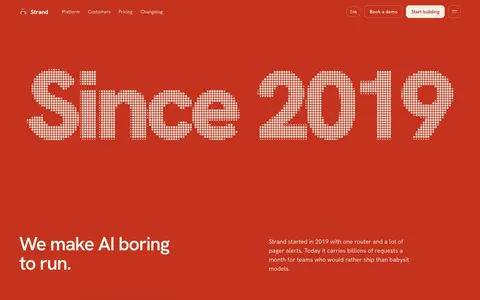
A dot-matrix theme for AI and tech brands that want to be remembered.
Signal red, warm white, ink and pink wipe in section by section, and the dots change colour at the edge. Any element can become a dot shape with one attribute: text, an SVG, a picture or a chart.
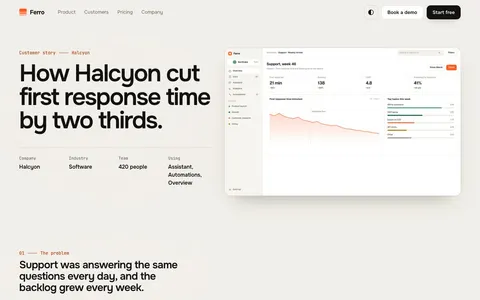
A product theme where your own screens are the show.
Drop in your screenshots and they become a live glass stack. It comes apart for your features, brings each screen forward, fans out under your plans and settles at the close. Chalk, ink and one signal orange.
An endless picture wall for image libraries, creative AI tools and marketplaces.
Drag the wall, open any picture in its own shape, walk down a tunnel of your collection, then watch it sort itself by colour and gather by category. Built for AI image tools, stock libraries, galleries and catalogues.
One shape made of dots changes from your name to your icons, charts and logo as visitors scroll. Sections wipe in on signal red, warm white, ink and pink. It has a pricing page and a changelog, so it suits a model, an API or a developer tool.
Strata: for AI products with an interface
Your product screenshots become a 3D glass stack that zooms into the part of each screen that matters. Good for assistants, analytics, writing tools and any AI product with screens to show.
Canvas: for AI image tools
An endless WebGL wall of your generated pictures, with search, filters and a colour sort. Visitors can drag it in any direction and open any picture. Good for image generators, prompt libraries and picture marketplaces.
What they share
Pricing pages, customer or collection pages, a contact form and a style guide in the download. Each runs fast on phones, and visitors who turn motion off get a still version.
Questions
Are these AI website templates made with AI?+
We designed the themes and built them with the help of an AI coding assistant, then tested every page ourselves. Some demo pictures were made with an AI image model, as each theme page says.
Which one suits an AI image generator?+
Canvas. It is built to show a large library of pictures on a wall that visitors can drag and search.
Do they avoid the usual purple AI look?+
Yes. Dots uses signal red, Strata uses chalk and orange, and Canvas takes its colour from your pictures.
Will search engines read the words on these AI templates?+
Yes. Every word is normal HTML on the page, not drawn into the effects, so search engines and screen readers read it as usual.
Can I show a live demo of my model on the page?+
The templates are static HTML, so they do not run models. You can link to your app, or embed your own demo in any section.
What do I need to use a theme?+
To go live, nothing but a web host: upload the finished folder. To change the words, colours and fonts you need Node.js 22 or later on your computer, and you run one build command. The documentation walks you through it.
Do I need the film kit?+
Only some themes have one, and you never need it. Those themes come with their films ready made; the film kit is there to make new ones in your own colours and words. It uses Remotion, which is free for individuals and companies of up to three people. Larger companies need a Remotion company licence to use the film kit.
Are there stock photos or AI images in it?+
No stock photos. Each theme page says which of its demo pictures were made with an AI image model. Those pictures show how the theme looks and are for the preview only: replace them with your own work before you go live. Anything drawn by the theme itself, such as films, dot drawings and product screens, you can keep. To use your own photos, save them over the files in the images folder.
How was it made?+
Wular designed the themes and built them with the help of an AI coding assistant. We tested every page and wrote the documentation ourselves.
Which licence do I need?+
Single site covers one website, for yourself or for one client. Extended covers as many websites as you like. Neither lets you resell the theme itself as a template.
How do updates and support work?+
New versions are free. We email you when one is out, and you can download it again from your receipt. For help, email contact@wular.us and we will reply within two working days.
Can I get a refund?+
Because a theme is a download, we cannot take it back once you have it. If the files are broken or do not match the demo and we cannot fix it, we will refund you in full within 14 days of purchase.
Who handles payment?+
Dodo Payments is the merchant of record for our theme sales. It takes the payment, adds the right sales tax or VAT and sends your receipt and download link. You can download the theme again at any time from Dodo's customer portal.